

Alerts
Alerts watch for specific conditions across the vault set and notify you when those conditions are met. Define your criteria once, then let the system monitor while you focus elsewhere.
Growth Alerts are available on Growth and Pro plans.
What conditions can you track?
Section titled “What conditions can you track?”Twenty-four metric types span vault-level performance, your personal positions, and leader-level data. Each condition uses a numeric threshold with a standard comparator: > / >= / < / <= / =.
When you combine multiple conditions, they use AND logic — every condition must be true for the alert to fire.
Vault-level metrics
Section titled “Vault-level metrics”| Condition | What it measures |
|---|---|
| Leverage | Current leverage multiplier |
| Max Drawdown | Largest peak-to-trough decline |
| TVL | Total value locked in USD |
| APR | Annualized percentage return |
| Vault ROI 1D / 7D / 30D | The vault’s return over 1, 7, or 30 days |
| Position Count | Number of open positions |
| Depositor Count | Number of unique depositors |
| Vault Unrealized PnL | Total unrealized PnL across the vault’s open positions |
| Gross Exposure | Total position exposure |
| Long Exposure | Exposure on long positions |
| Short Exposure | Exposure on short positions |
Your position metrics
Section titled “Your position metrics”| Condition | What it measures |
|---|---|
| User Equity | Your current equity in the vault |
| User Unrealized PnL | Your unrealized PnL in the vault |
| User PnL | Your profit or loss in USD |
| User All-Time PnL | Cumulative profit or loss |
| User PnL % | Your return as a percentage |
| User Annualized PnL % | Your annualized return |
| Days in Vault | How long you’ve been deposited |
Leader and depositor metrics
Section titled “Leader and depositor metrics”| Condition | What it measures |
|---|---|
| Leader Fraction | Leader’s share of the vault |
| Leader Commission | Leader’s fee percentage |
| Leader Annualized PnL | Leader’s annualized return |
| Depositor Avg Annualized PnL | Average depositor annualized return |
How do you create an alert?
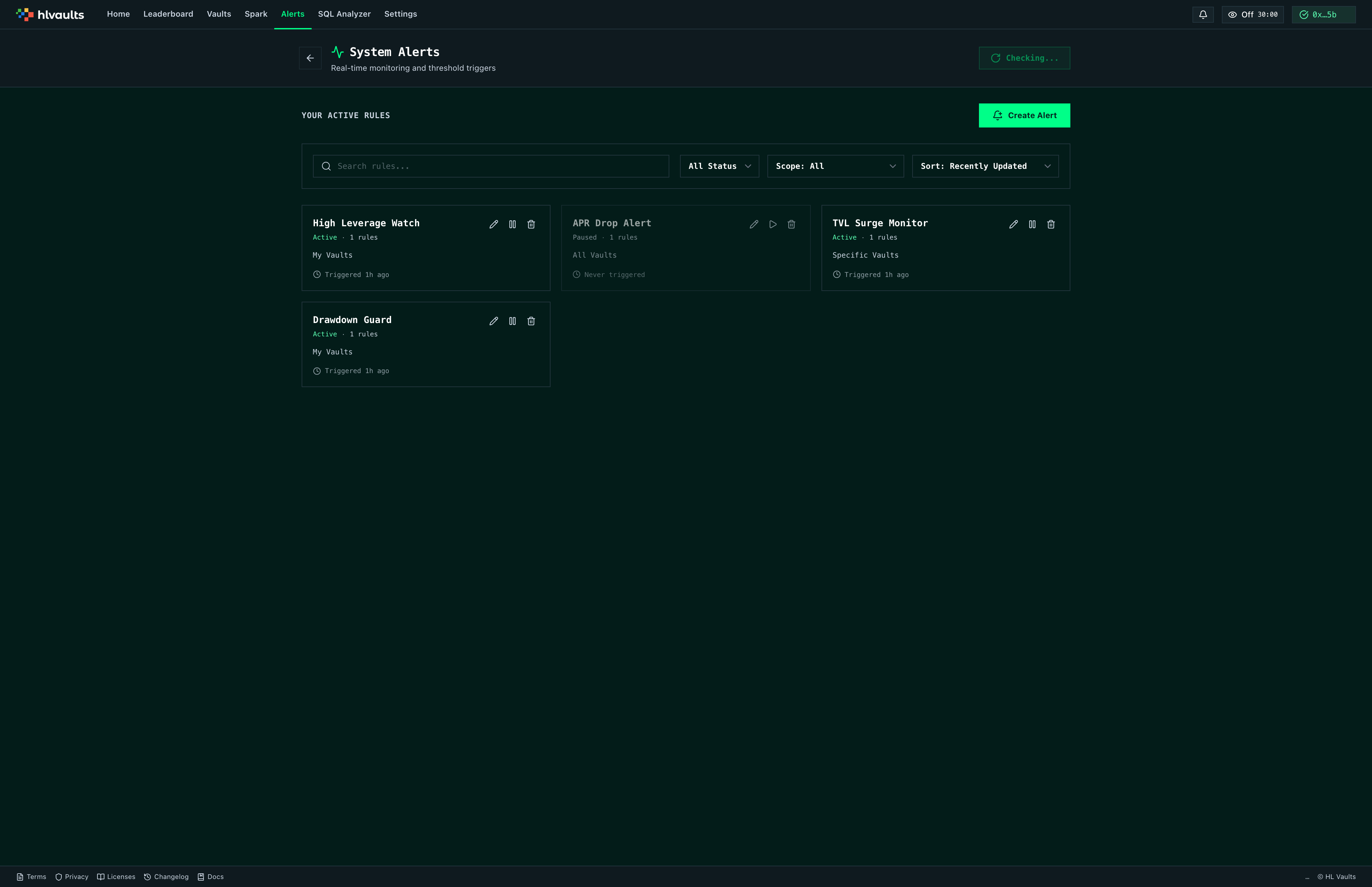
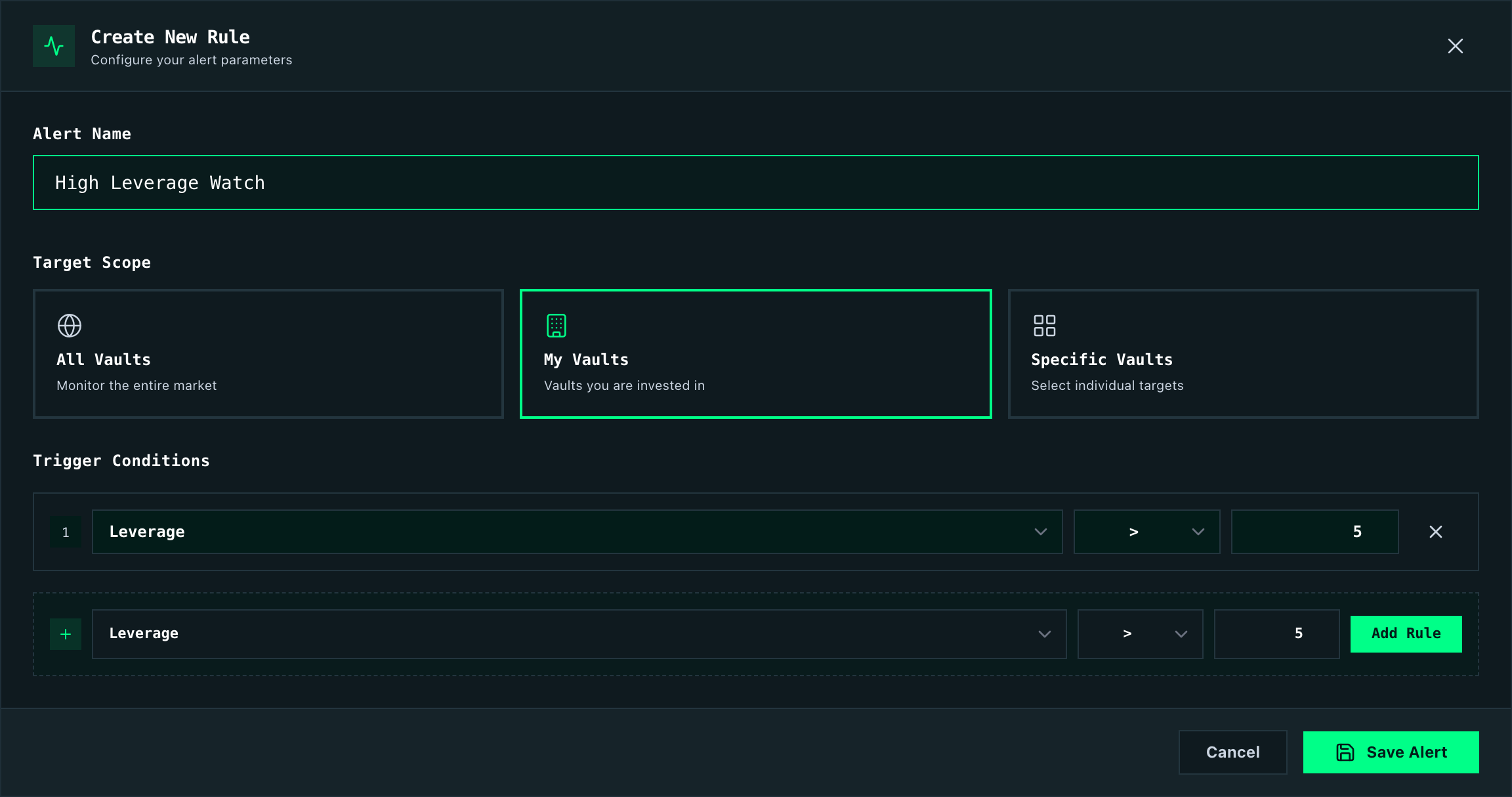
Section titled “How do you create an alert?”Navigate to the Alerts page and click the form to start. You’ll configure three things.
A label that identifies the alert in your list. Choose something descriptive — “High Leverage Watch” is more useful than “Alert 1” when you’re managing several at once.
| Scope | What it monitors |
|---|---|
| All Vaults | Every vault in the grid |
| My Vaults | Only vaults you have deposited in |
| Specific Vaults | A custom selection of vaults |
Multi-select works for the Specific Vaults option, so you can group related vaults under a single alert.
Conditions
Section titled “Conditions”Pick a metric from the list above, choose an operator, and enter a threshold. For example, “APR < 5%” triggers when any vault in scope drops below 5% APR. Add as many conditions as you need — the alert fires only when every condition is met at the same time.
Where do alerts reach you?
Section titled “Where do alerts reach you?”When an alert triggers, you get:
- Browser notification — a desktop push notification (requires permission in your browser settings)
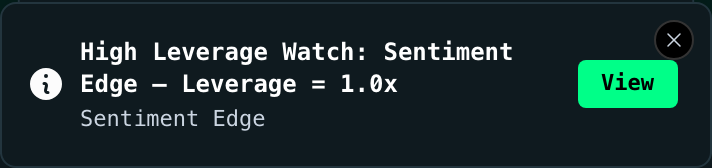
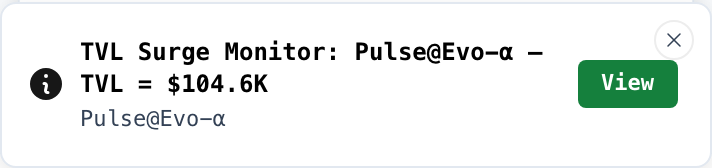
- In-app toast — a slide-in alert within the app, with a View button that takes you directly to the vault
- Sound — an alert tone plays in the browser when a condition fires
Each alert has a cooldown period (default 5 minutes) to prevent repeated notifications for the same condition while it remains active. Every triggered event is logged in the notification panel, which stores up to 100 recent events for review.
How often are alerts evaluated?
Section titled “How often are alerts evaluated?”Alerts are checked every 60 seconds. If you need an immediate check — right after creating or modifying an alert, for instance — hit the Check now button to force instant evaluation.
Managing your alerts
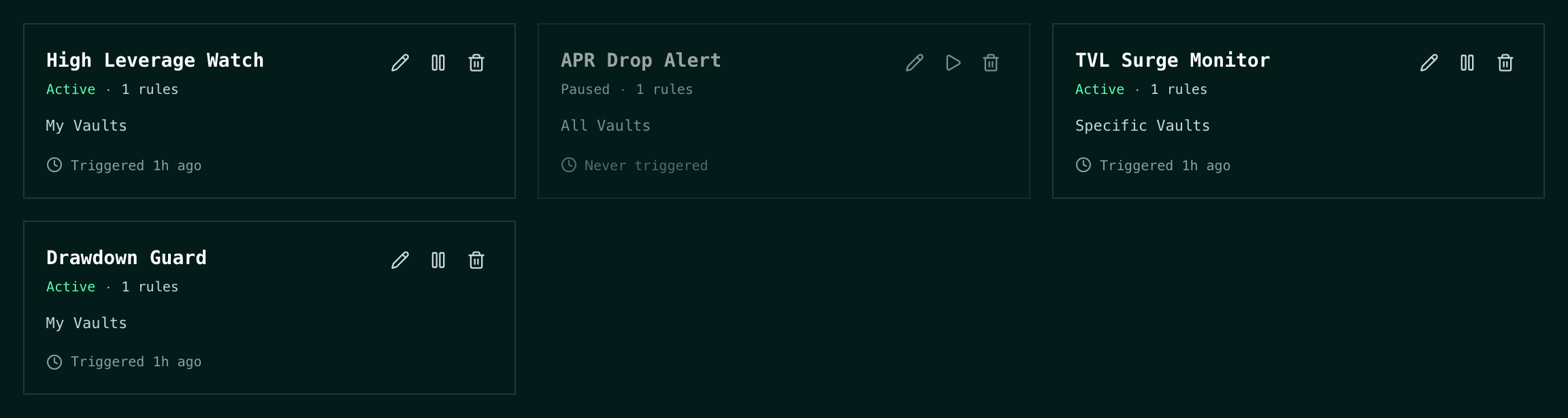
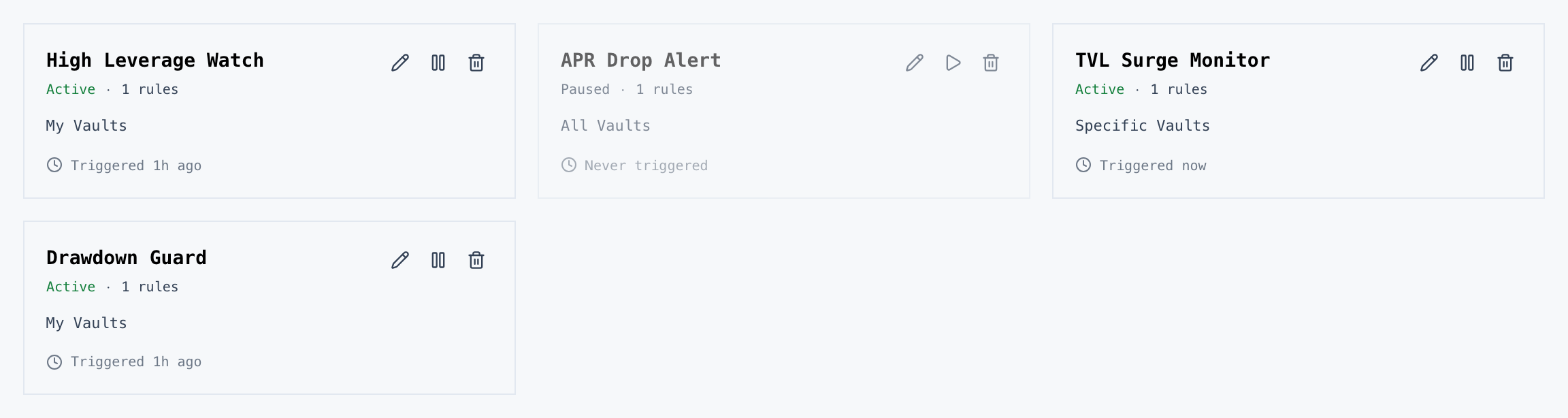
Section titled “Managing your alerts”The alert table lists every alert you’ve configured with inline controls:
- Enable / Disable — toggle individual alerts on and off without deleting them
- Edit — modify the name, scope, or conditions
- Delete — remove the alert entirely
Related
Section titled “Related”- Getting Started — plan comparison and first steps
- Vault Detail — deep-dive into individual vault performance