

Getting Started
Hyperliquid vaults generate a steady stream of data: positions and PnL, depositor activity, leverage shifts, commission fees. HL Vaults pulls it all into a single browser-based dashboard. No installation required. Open the app and you’re looking at every vault on the network within seconds.
Protecting your assets is your responsibility. We provide the warning. Acting on it is up to you.
- No one from HL Vaults will ever message you first — anywhere, for any reason.
- No one from HL Vaults will ever ask you to send crypto, connect your wallet to a random site, or “verify” your assets.
- No one from HL Vaults will ever offer you investment advice, signal groups, or trading tips.
- No one from HL Vaults will ever DM you on Telegram, Discord, X, or any other platform.
- There is no HL Vaults token, NFT, or presale. There never will be.
- Any website, social media account, or message claiming otherwise is fraud. Period.
- If you send money to a scammer claiming to be us, we cannot recover it. We have no control over third parties, no refund authority for transfers we never requested, and no way to reverse a blockchain transaction.
- Do your own due diligence. Verify every URL. If an offer sounds too good to be true, it is a trap.
Believing a liar does not make us responsible for the lie. We built a dashboard. That is all. Anyone who tells you different is trying to steal from you.
What do you need to get started?
Section titled “What do you need to get started?”A modern browser — Chrome, Firefox, Safari, or Edge — and an internet connection.
You don’t need a wallet to browse vaults. Wallet lookup and connection are optional features you can configure later when you’re ready to examine specific addresses or your own positions.
Which plan should you start with?
Section titled “Which plan should you start with?”HL Vaults has three tiers. The Free plan gives you full access to the core vault grid for the top 15 vaults — enough to evaluate the tool. Upgrade when your analysis requires more depth.
| Feature | Free | Growth | ★ Pro |
|---|---|---|---|
| Vaults browsable | Top 15 | Unlimited | Unlimited |
| Vault columns | Default | All 35+ | All 35+ |
| Vault detail tabs | Summary | 4 data tabs | All 7 |
| Leaderboard wallets | Top 5 | Top 100 | Top 500 |
| Custom screens | 1 | 100 | Unlimited |
| Wallet lookup | Locked | Yes | Yes |
| Alerts | — | Yes | Yes |
| AI Intelligence | — | — | Yes |
| SQL Analyzer | — | — | Yes |
The Growth tier removes most hard caps: unlimited vaults, all columns, the four data detail tabs (positions, trade history, deposits & withdrawals, depositors), wallet lookup, and alerts. The Pro tier adds AI-powered analysis, personality dossiers, return forecasting, the Intelligence and Ask AI tabs, and the SQL Analyzer for custom queries against the full dataset.
Open the app
Section titled “Open the app”Go to hlvaults.com. The page loads immediately and begins syncing data from Hyperliquid into your browser’s local storage.
Explore the vault grid
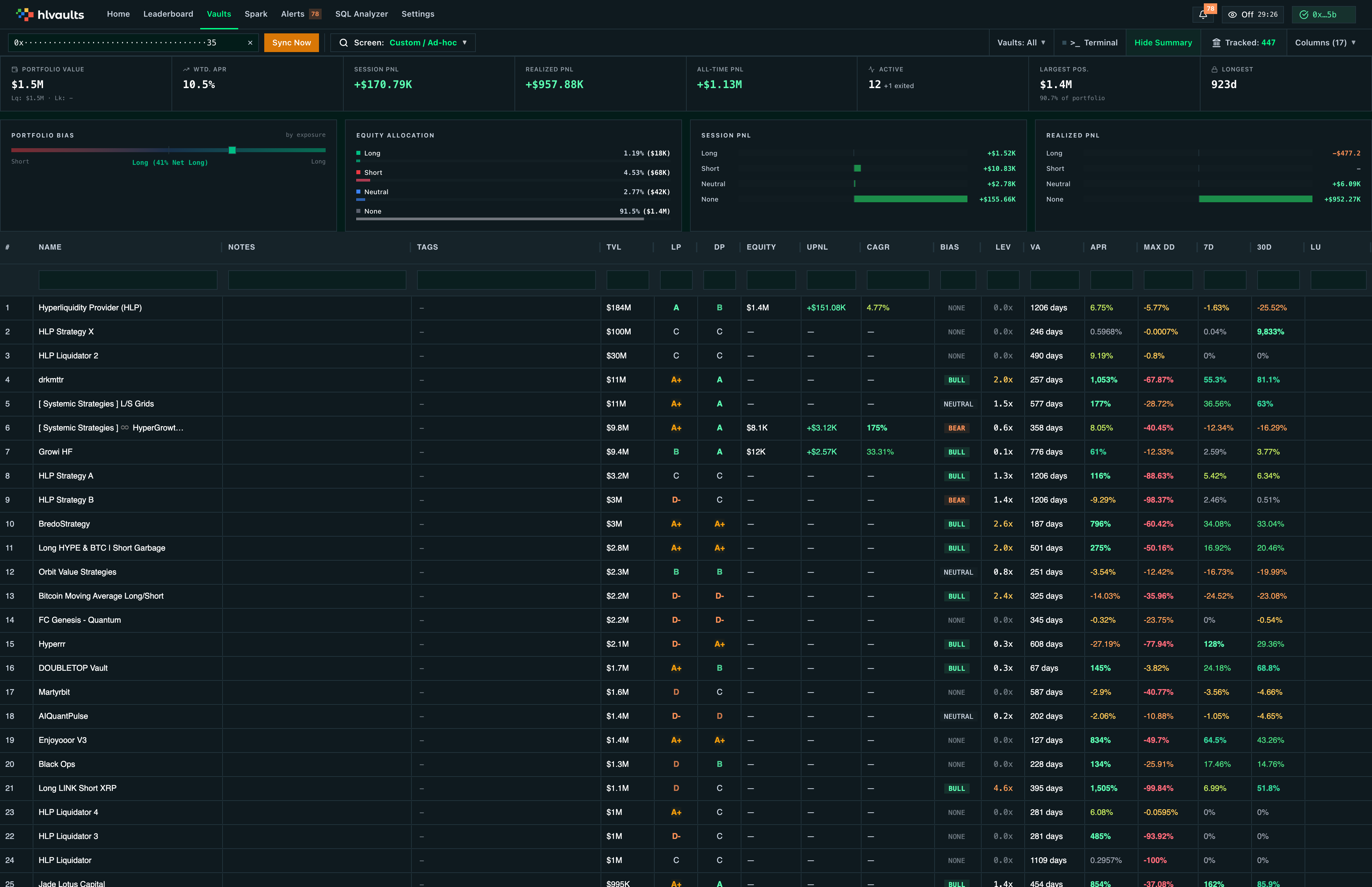
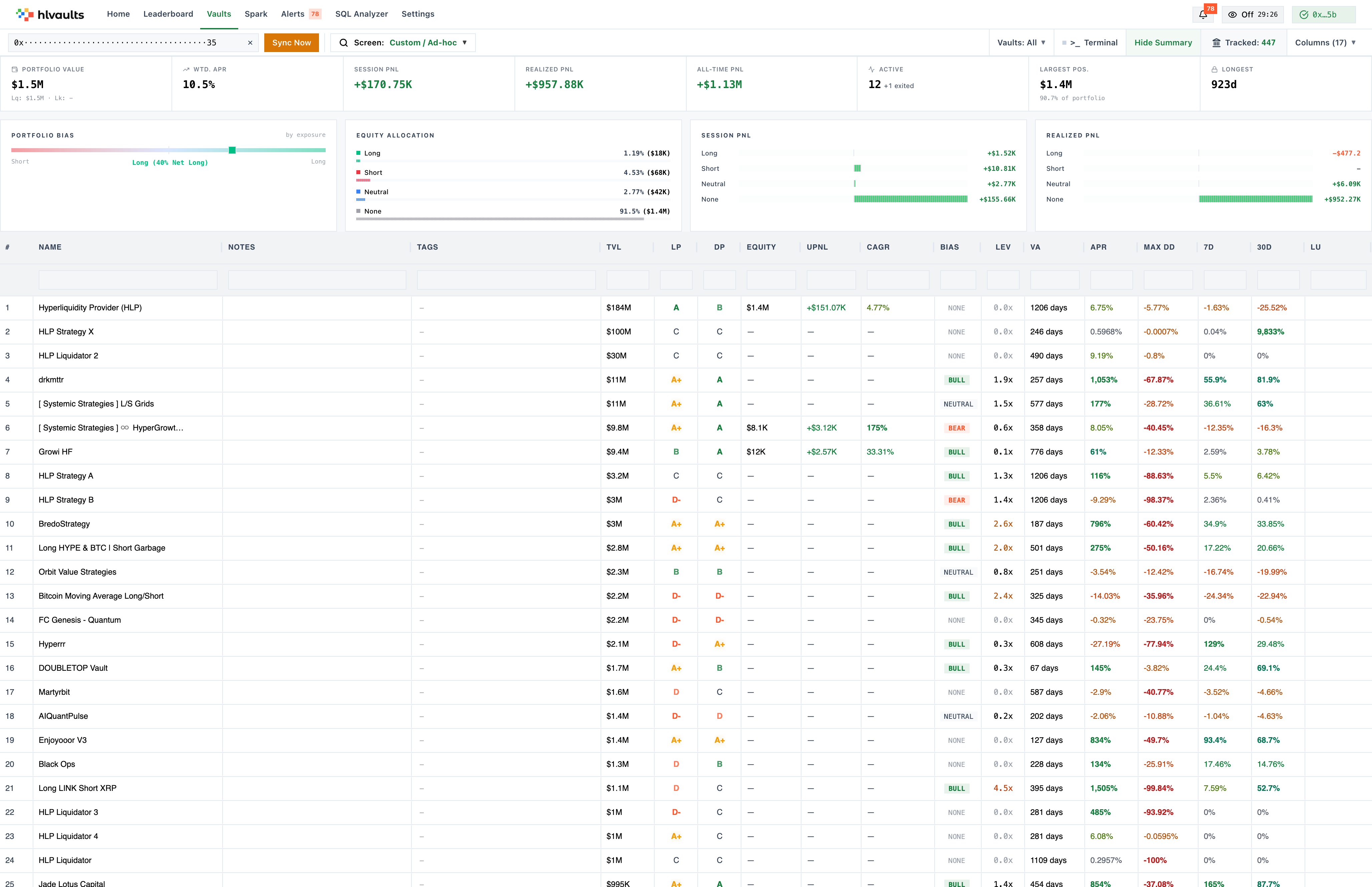
Section titled “Explore the vault grid”The app opens to the vault grid: a table where every row is a Hyperliquid vault and every column is a metric. Sort by any column, filter by tags or thresholds, and reorder columns to surface the data that matters to you.
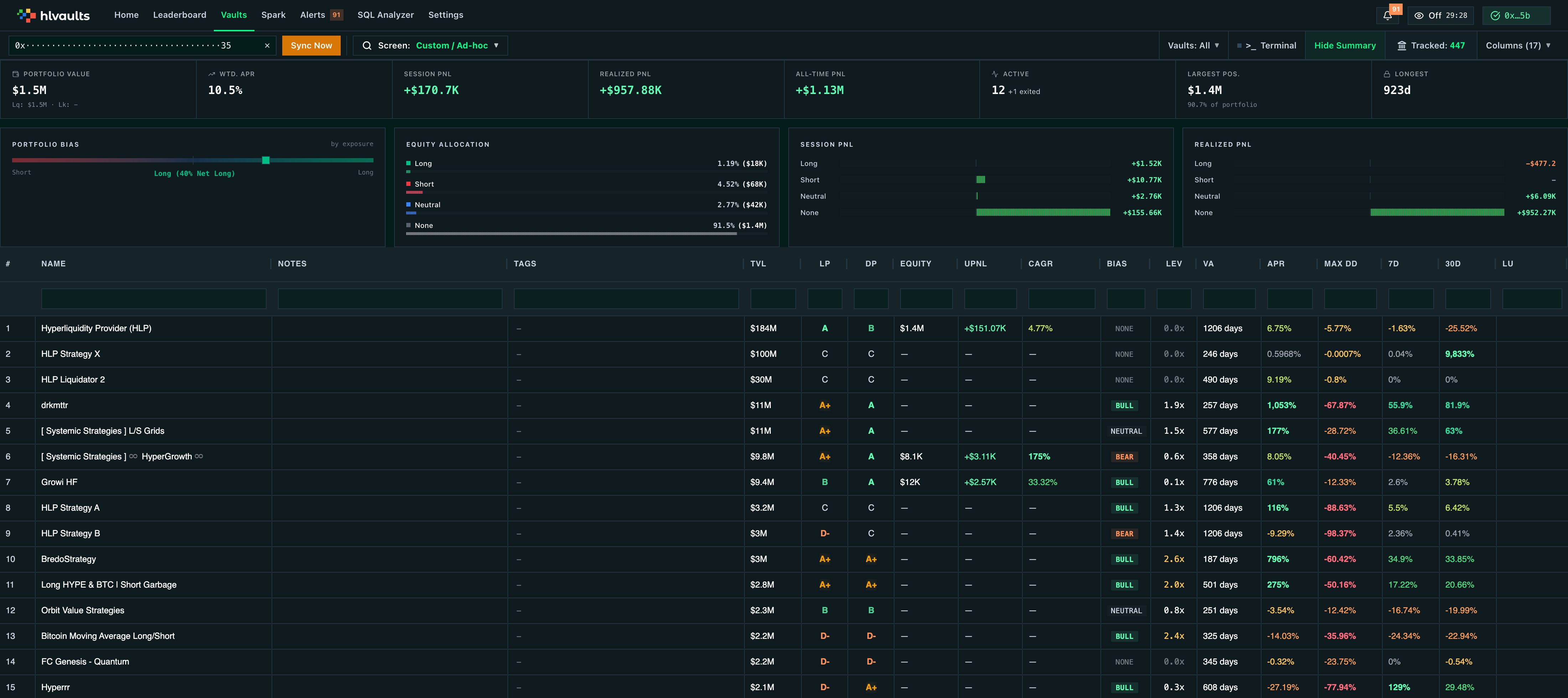
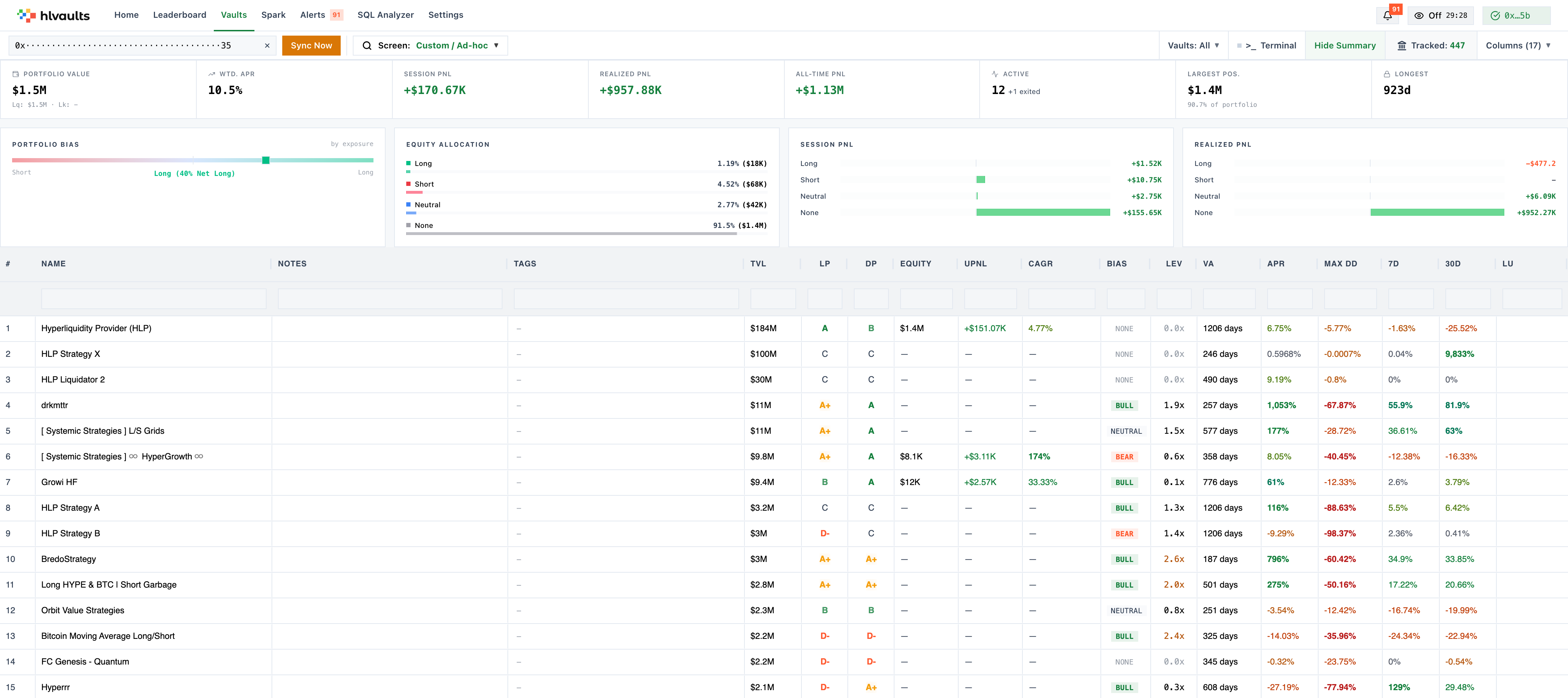
Key areas at a glance
Section titled “Key areas at a glance”| Area | What it does | Plan |
|---|---|---|
| Vault Grid | Sortable, filterable table of all Hyperliquid vaults | Free (top 15) / Growth (unlimited) |
| Column Picker | Show, hide, and reorder grid columns | Free (default columns) / Growth (all columns) |
| Screen Selector | Save custom views with preset columns, filters, and sorting | Free (1 saved view) / Growth (up to 100) / ★ Pro (unlimited) |
| Search | Look up any wallet address — filters the grid and vault detail to that wallet | Free (locked) / Growth (any address) |
| Filters | Narrow results by vault type, tags, or metric thresholds | Free (1 expression) / Growth (100+) |
| Vault Detail | Click any vault for charts, positions, and breakdowns | Free (Summary tab) / Growth (4 data tabs) / ★ Pro (all 7 tabs) |
| Leaderboard | Wallet-level performance rankings | Free (top 5) / Growth (top 100) / ★ Pro (top 500) |
| Alerts | Threshold-based notifications when vaults meet your conditions | Growth |
| AI Intelligence | Automated signal detection, vault personality analysis, return forecasting | ★ Pro |
| SQL Analyzer | Ad-hoc queries against the full vault dataset | ★ Pro |
Keeping data fresh
Section titled “Keeping data fresh”Vault data syncs automatically in the background — the full vault dataset refreshes every 5 minutes and per-vault trade history every 2 minutes, as long as a tab is open.
On Growth and Pro you can also hit Sync Now in the toolbar to pull the latest data immediately, and open the sync terminal overlay (Pro) to watch fetch and import progress in real time.
Next steps
Section titled “Next steps”- Open hlvaults.com and explore the vault grid
- Learn what a vault is — the leader-depositor model, commissions, and lockup mechanics
- Browse the column reference for a complete guide to every metric
- Set up custom screens and filters to track the vaults that matter most